AI Photo Upscaler – Sharp, Clean Enlargements
Enlarge photos up to 4x without losing quality. Our AI adds real detail and texture, not blur or artifacts. Perfect for printing, e-commerce, and professional use.
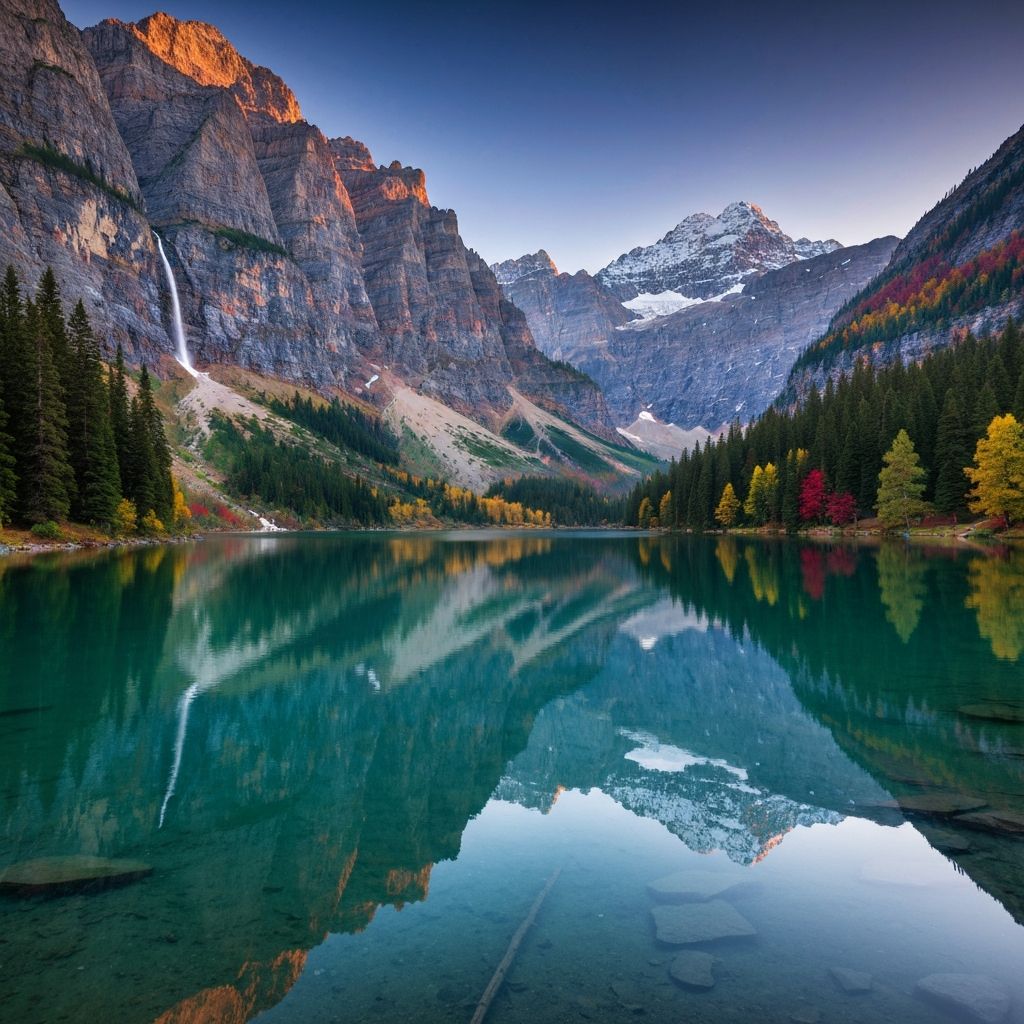
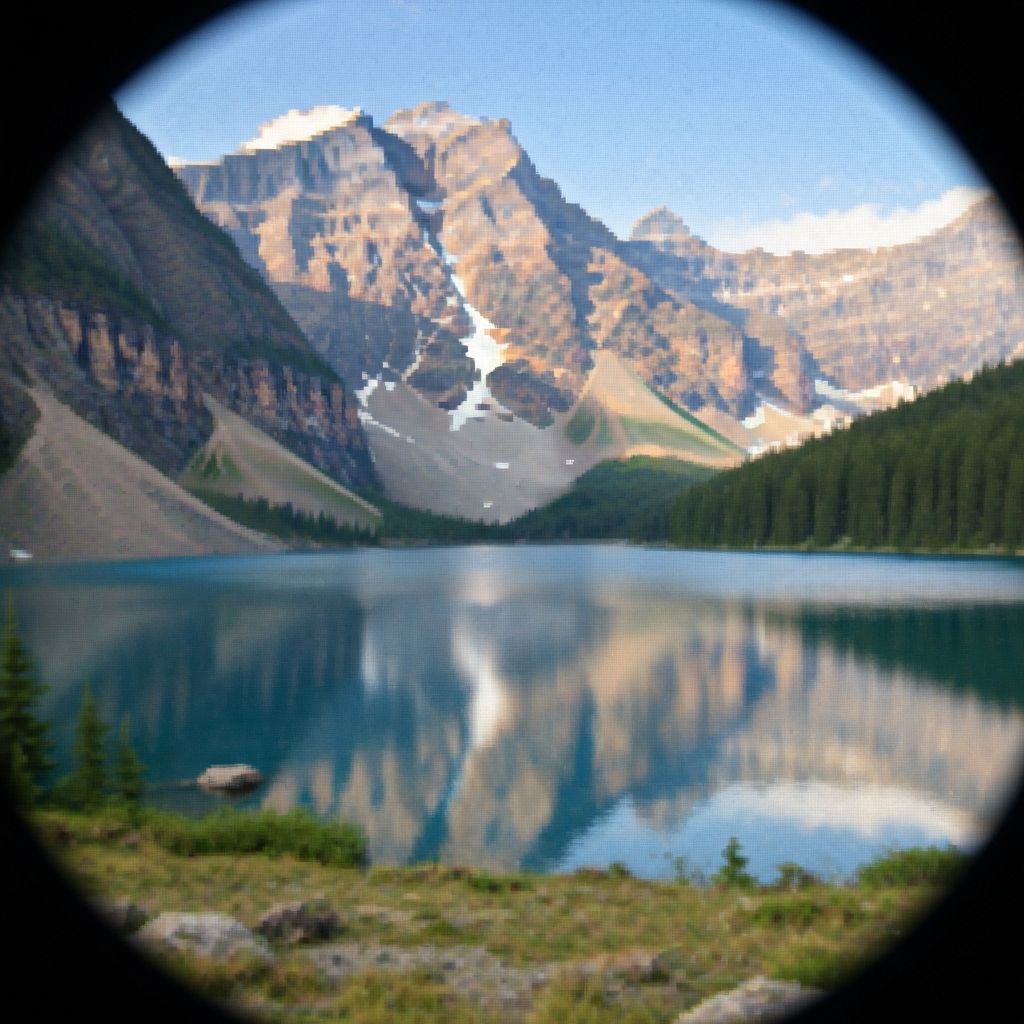
Drag the slider to compare low-res vs 4K upscaled
Try It Free
Drop your low-res photo here or click to browse
No sign-up required | 3 free upscales | Up to 4x enlargement
Why Traditional Upscaling Looks Bad – And Why Ours Doesn't
Most image upscalers simply stretch pixels, creating blur and artifacts. PhotoNemo uses AI to understand your image and generate real detail.
Traditional Upscaling Problems
Bicubic/Bilinear Interpolation
Creates blurry, soft images
Simple Pixel Duplication
Produces blocky, pixelated results
Sharpening Filters
Adds ugly halos and artifacts
Noise Reduction
Destroys fine details and texture
PhotoNemo AI Advantage
Neural Network Understanding
AI recognizes objects, faces, and textures to add realistic detail
Texture Synthesis
Generates authentic-looking skin, fabric, and natural textures
Edge-Aware Processing
Sharpens edges without creating halos or artifacts
Real-Time Enhancement
Get 4K results in seconds, not hours of manual editing
Real Results: Upscaling Gallery
Hover over any image to see the dramatic difference. From low-res to sharp 4K output in seconds — Pro and Unlimited both output up to 4K.
Landscape Photography
Hover to see upscaled result

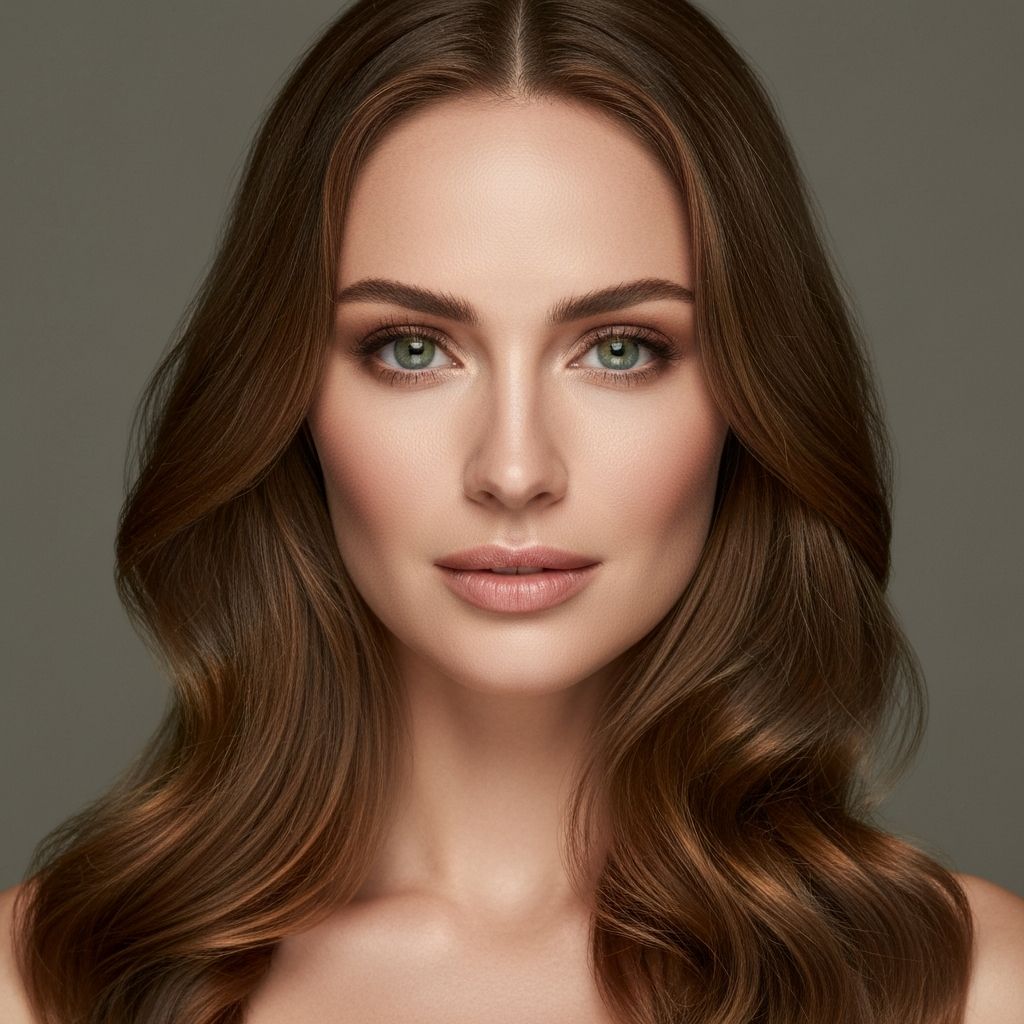
Professional Portrait
Hover to see upscaled result
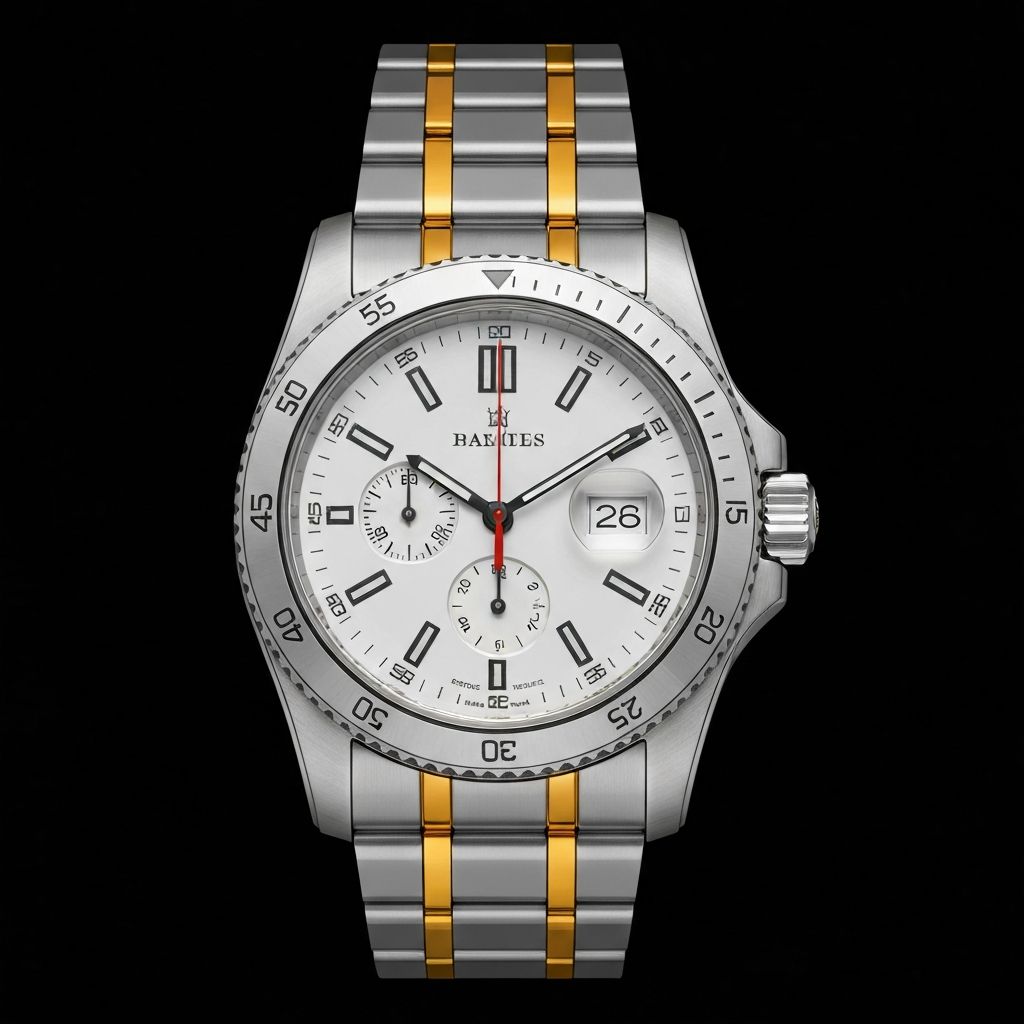
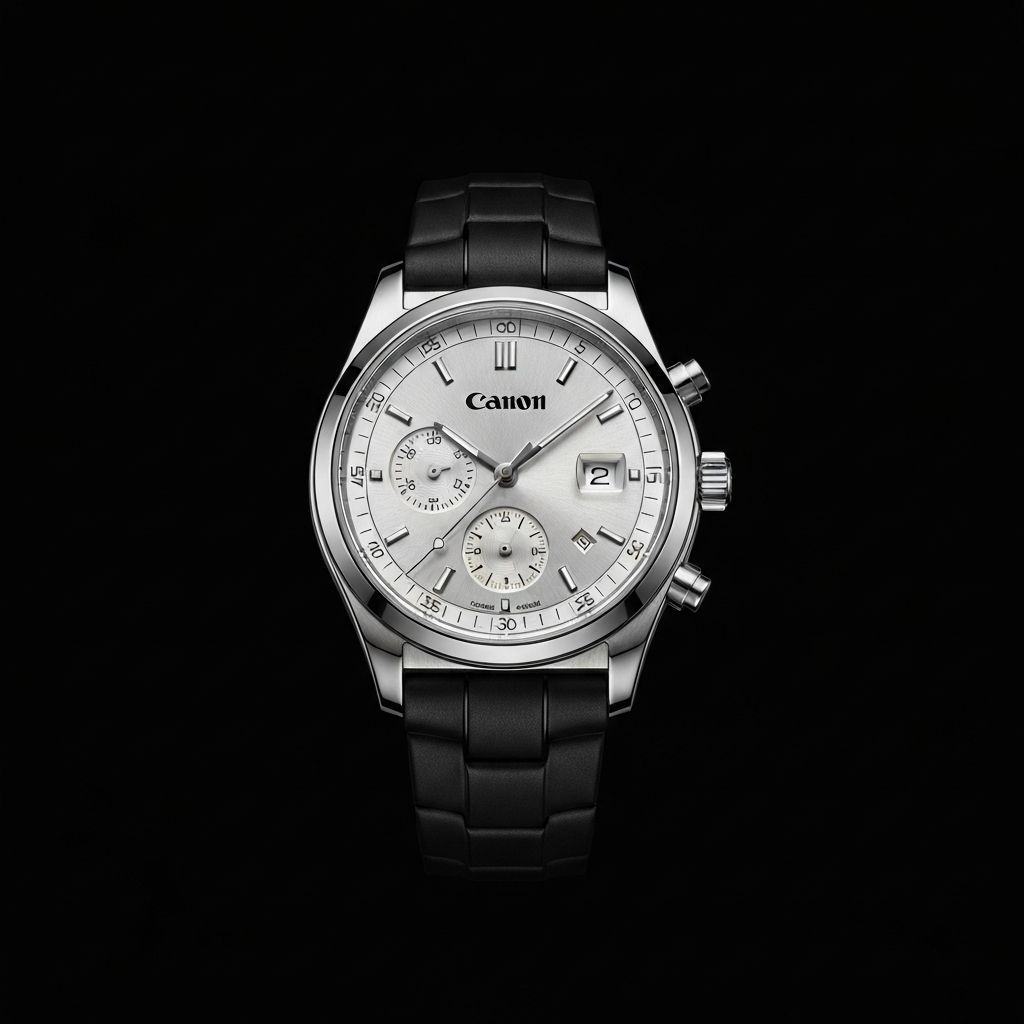
Product Photography
Hover to see upscaled result
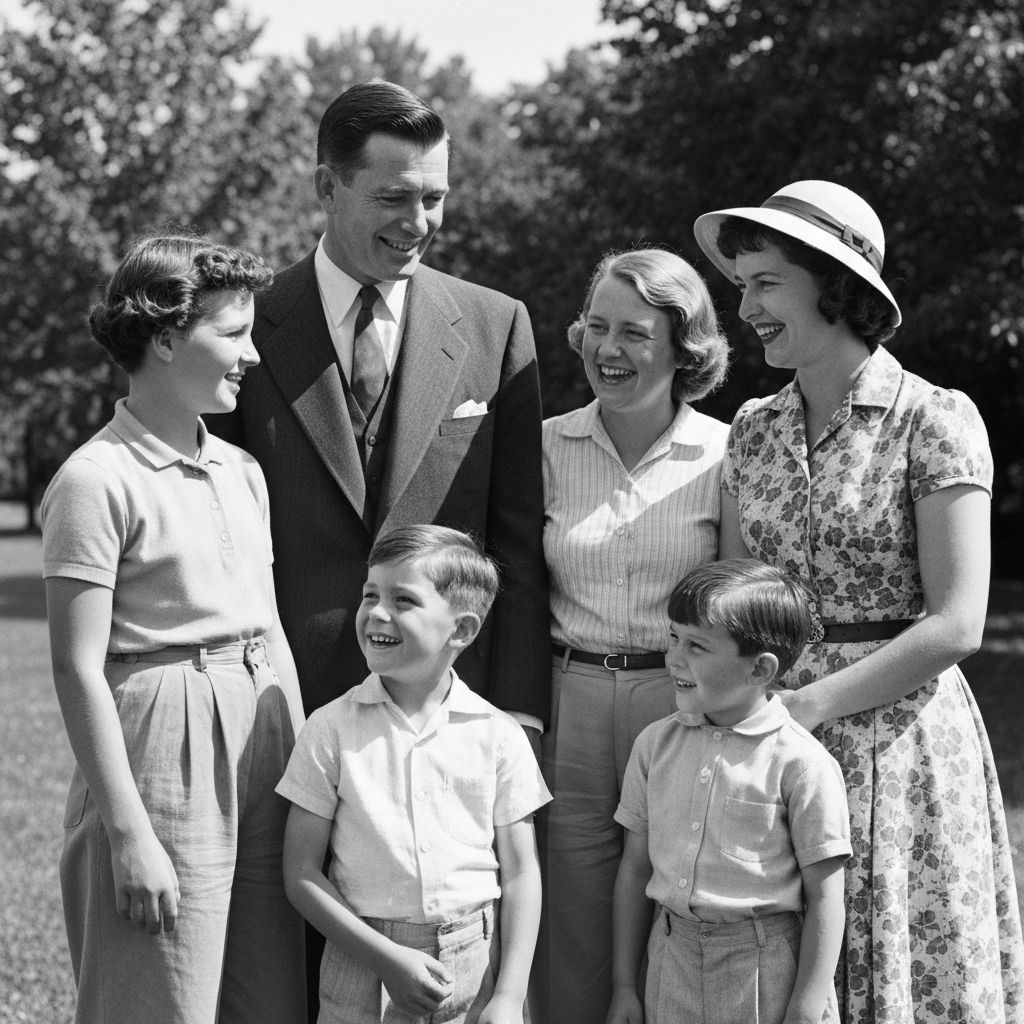
Vintage Photo Restoration
Hover to see upscaled result
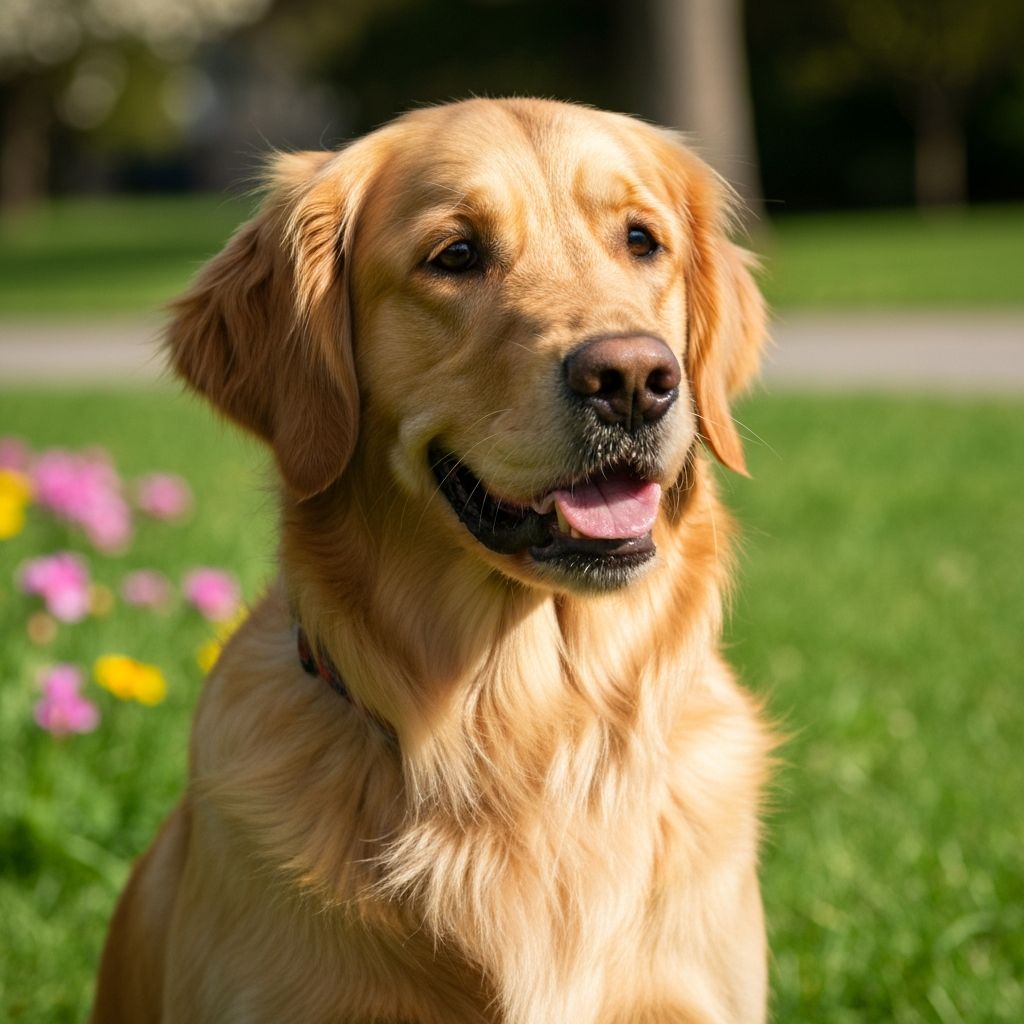
Pet Photography
Hover to see upscaled result
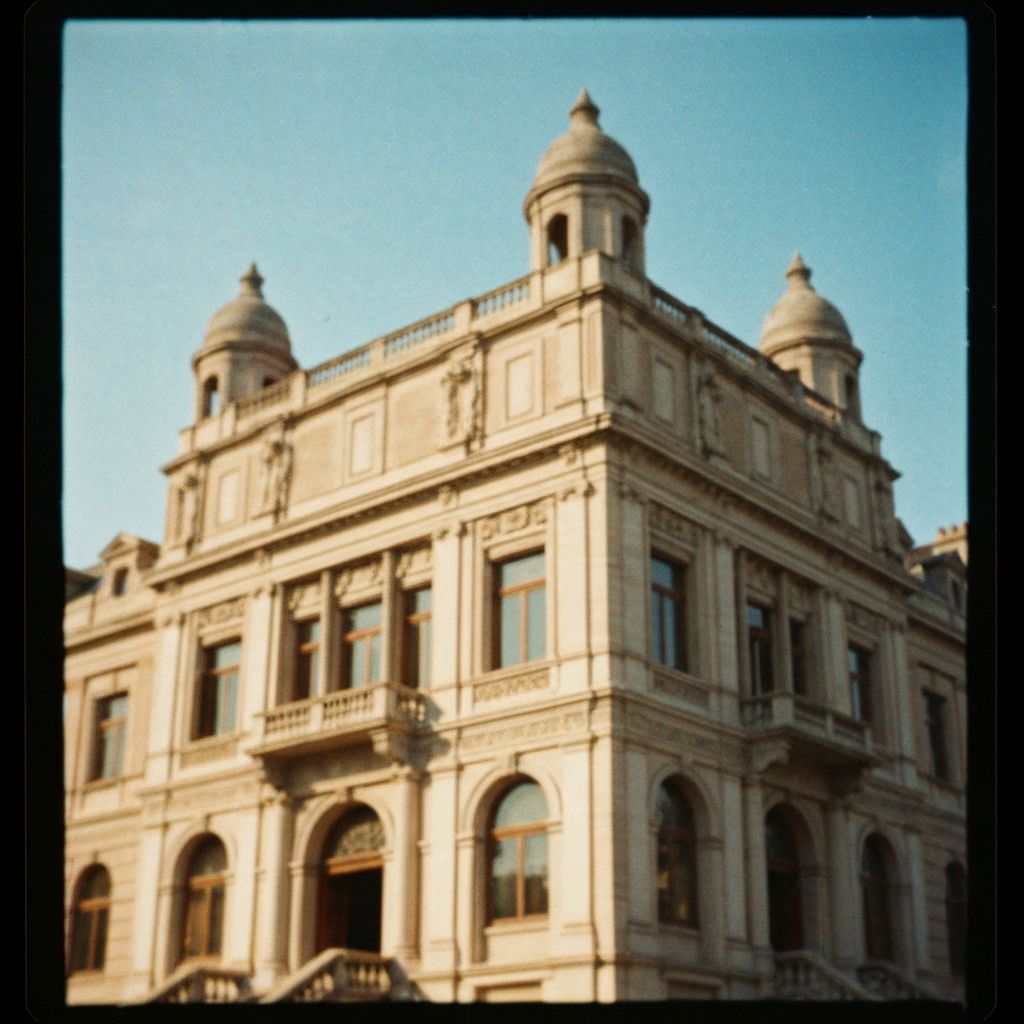
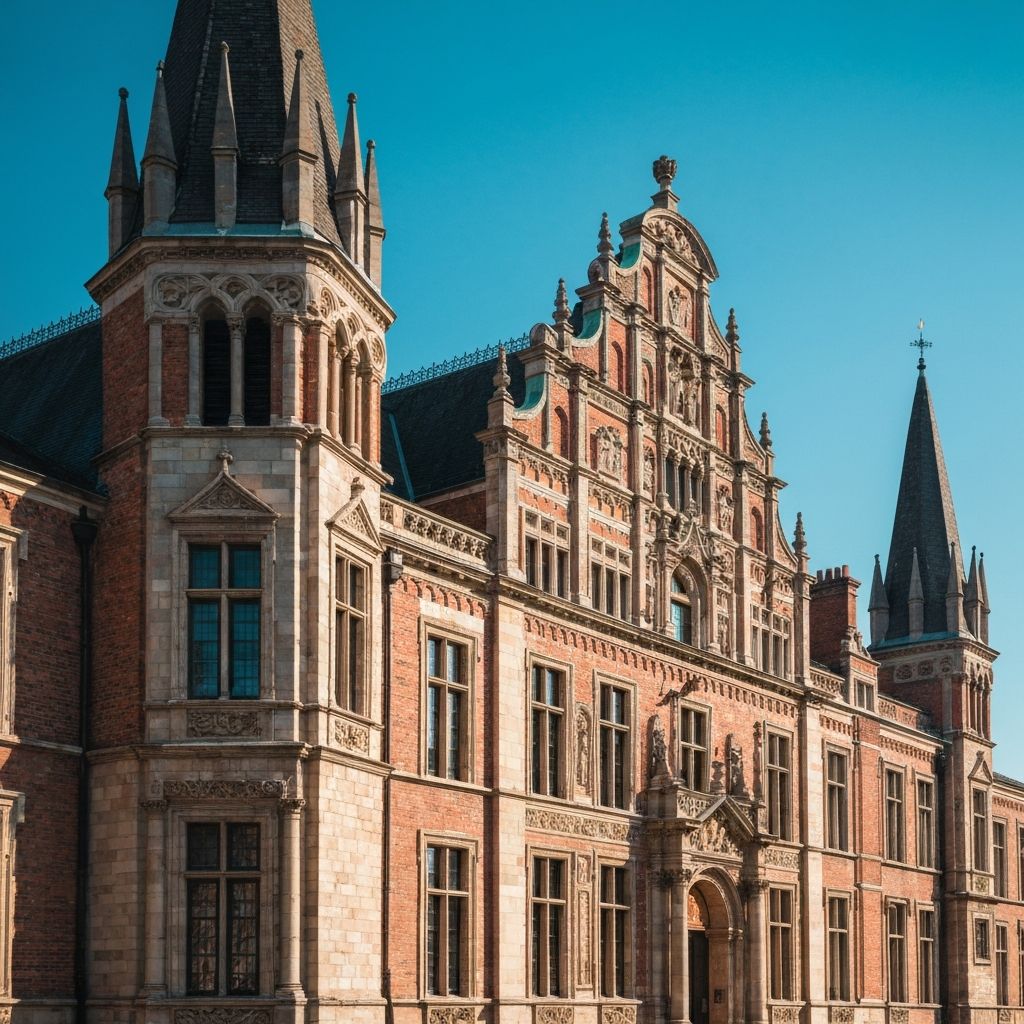
Architecture & Real Estate
Hover to see upscaled result
How Many Times Can You Upscale?
PhotoNemo supports up to 4x upscaling in a single pass. Here's what to expect at each level.
500×500 → 1000×1000Best quality. Ideal for most photos.
500×500 → 1500×1500Perfect balance of size and clarity.
500×500 → 2000×2000Maximum enlargement. Best for high-quality originals.
Pro Tip: Multi-Pass Upscaling
For extreme enlargements (8x+), run 2x upscaling twice. This often produces better results than a single 4x pass because the AI can add detail progressively.
Know Your Limits
Very low resolution images (under 100×100 pixels) have limited detail for AI to work with. Results improve dramatically with source images of at least 200×200 pixels.
Use Cases for AI Image Upscaling
From professional photography to everyday photos, here's how people use PhotoNemo upscaling.
Print Large Format
Upscale vacation photos for canvas prints, posters, and wall art without pixelation or blur.
E-commerce & Product Photos
Make small product thumbnails zoom-worthy. Perfect for Amazon, Etsy, and Shopify stores.
Social Media Content
Upscale old photos for Instagram, TikTok, and YouTube without looking dated or blurry.
Photo Restoration
Bring old family photos back to life. Combine with our restore feature for best results.
Mobile Screenshots
Turn low-res phone screenshots into crisp, clear images for presentations and documentation.
Real Estate & Architecture
Enhance property photos for listings. Make interiors and exteriors look stunning at any size.
Try It Now
Upload your photo and see the AI upscaling magic in action. No sign-up required.
Drop your photo to upscale
or click to browse your files
Supports PNG, JPG, WEBP, HEIC | Max 10MB | No sign-up needed
Simple Pricing
Start upscaling for free. Upgrade when you need more power.
- 20, 50, or 120 credits
- Credits never expire
- Subscribe to Pro/Unlimited for 4× upscale & no watermark
- Pro: 4K output, 50 credits per billing cycle
- Unlimited: 4K output, unlimited personal use (fair use)
- No watermarks • Full 4× upscale on paid tiers
- Priority processing • Cancel anytime
Frequently Asked Questions
Everything you need to know about AI photo upscaling.
Looking for other features?